Guides
The short version of podcast production setup
A working podcast setup is a chain of named choices: microphone, interface, editing suite, hosting, and the steps that turn raw tape into a published episode.
What to take away
- A dynamic microphone on a boom arm into a USB or XLR interface is the standard two-person chain in a podcast production setup; a condenser mic in an untreated room picks up the room, not the voice.
- Record each host to a separate track. One mixed file cannot be repaired when a chair squeaks over a sentence.
- Editing suites differ by what they cost and what they automate: Audacity is free, Descript edits from a transcript, Adobe Audition and Hindenburg are paid.
- Hosting is a subscription, not a purchase. Buzzsprout, Transistor, Libsyn and Spotify for Creators all publish an RSS feed and report downloads differently.
- Music and clips carry public performance rights. The U.S. Copyright Office sets out how those paths differ, and a streaming subscription does not cover every use.
A podcast production setup is a signal chain, and every link in it can be named. The microphone, the interface, the recorder, and the editing suite are part of it. So are the hosting account and the publishing steps. This guide walks that chain in order.
Step 1: the microphone and the room
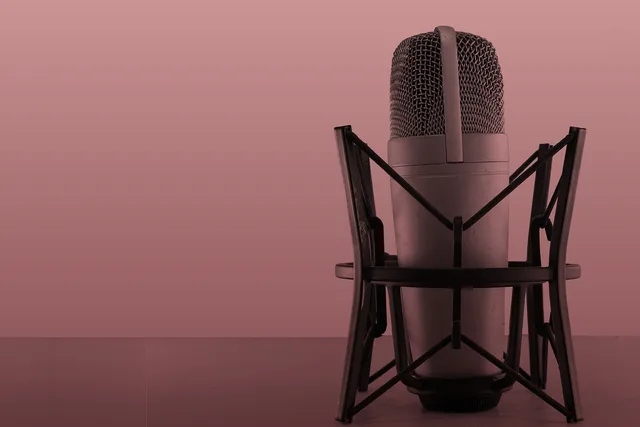
Start with the microphone. A dynamic mic such as the Shure SM7B or the Audio-Technica BP40 rejects room noise and suits an untreated spare bedroom. A large-diaphragm condenser is more sensitive and will record the refrigerator.
Mount the mic on a boom arm, not a desk stand. Desk stands transmit every keystroke. Put the mic a hand span from the mouth, slightly off axis, and speak across it rather than into it.
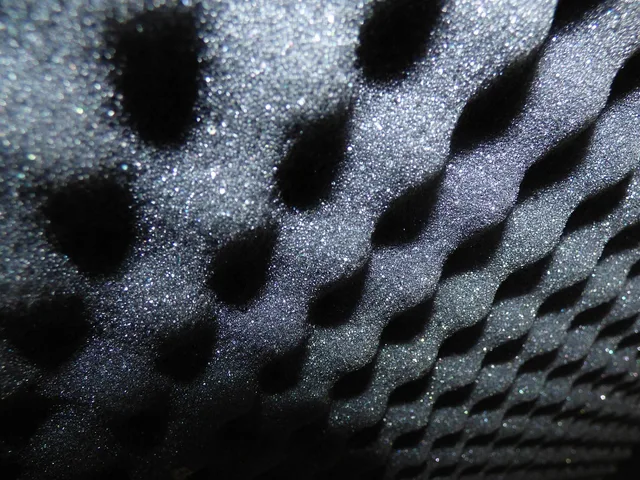
Treat the room before buying a second microphone. Soft furnishings, a rug, and a bookshelf behind the speaker do more than a cheap acoustic panel. Hard parallel walls produce the boxy sound listeners describe as amateur.
Step 2: the interface and the recorder
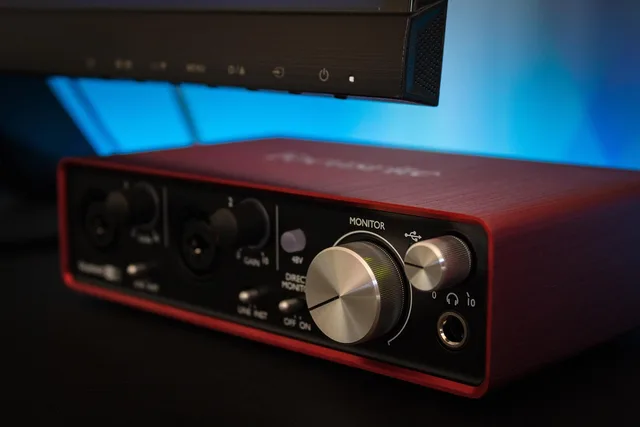
An audio interface converts the microphone's analog signal to digital. The Focusrite Scarlett Solo and the Audient EVO 4 are two-channel units that cover a host and a guest, and each typically sells for under $200.
A Zoom PodTrak P4 records to an SD card without a computer, which helps when the laptop fan is audible. Street price is typically around $200.
Set gain so the loudest moment peaks near -12 dBFS, not at zero. Leave headroom and fix level in the edit rather than at the input. Record at 24-bit, 48 kHz; that is the working standard for spoken word.
Record a local backup on every device that can hold one. Cloud recording services drop packets, and the local file is what saves the episode.
Step 3: editing the tape
Editing is where the episode becomes listenable. The work is cutting filler, tightening pauses, removing the false start, and leveling the two voices so neither host is louder.
Typical cost
- Audacity
- Free, open source
- Descript
- Subscription, typically about $12 to $24 a month
- Adobe Audition
- Subscription, typically about $23 a month for the single app
- Hindenburg
- One-time license, typically in the low hundreds, or a monthly plan
Best for
- Audacity
- Single-track cleanup and noise reduction
- Descript
- Editing by deleting words in a transcript
- Adobe Audition
- Multitrack work and detailed repair
- Hindenburg
- Spoken-word leveling and loudness
Export to mono at 128 kbps MP3 for speech. Loudness targets vary by platform; check the current published figure rather than assuming one number fits all.
Step 4: hosting and publishing
Hosting stores the audio and serves the RSS feed that Apple Podcasts, Spotify, and YouTube read. Plans are priced by upload hours and storage.
Spotify for Creators is free. Buzzsprout and Transistor typically start around $12 to $19 a month, and Libsyn's entry plan is around $5 a month.
Each service counts a download differently, so compare the reporting before you move a feed. Write the episode title, show notes, and chapter markers before upload. Publish on a fixed day; cadence is the one variable a new show controls.
What to verify before publishing
Music, stingers, and guest clips carry public performance and other rights. The U.S. Copyright Office: Copyright and the Music Marketplace explains that these uses can run through different rights and licensing paths, so a streaming subscription does not cover every use in an episode.
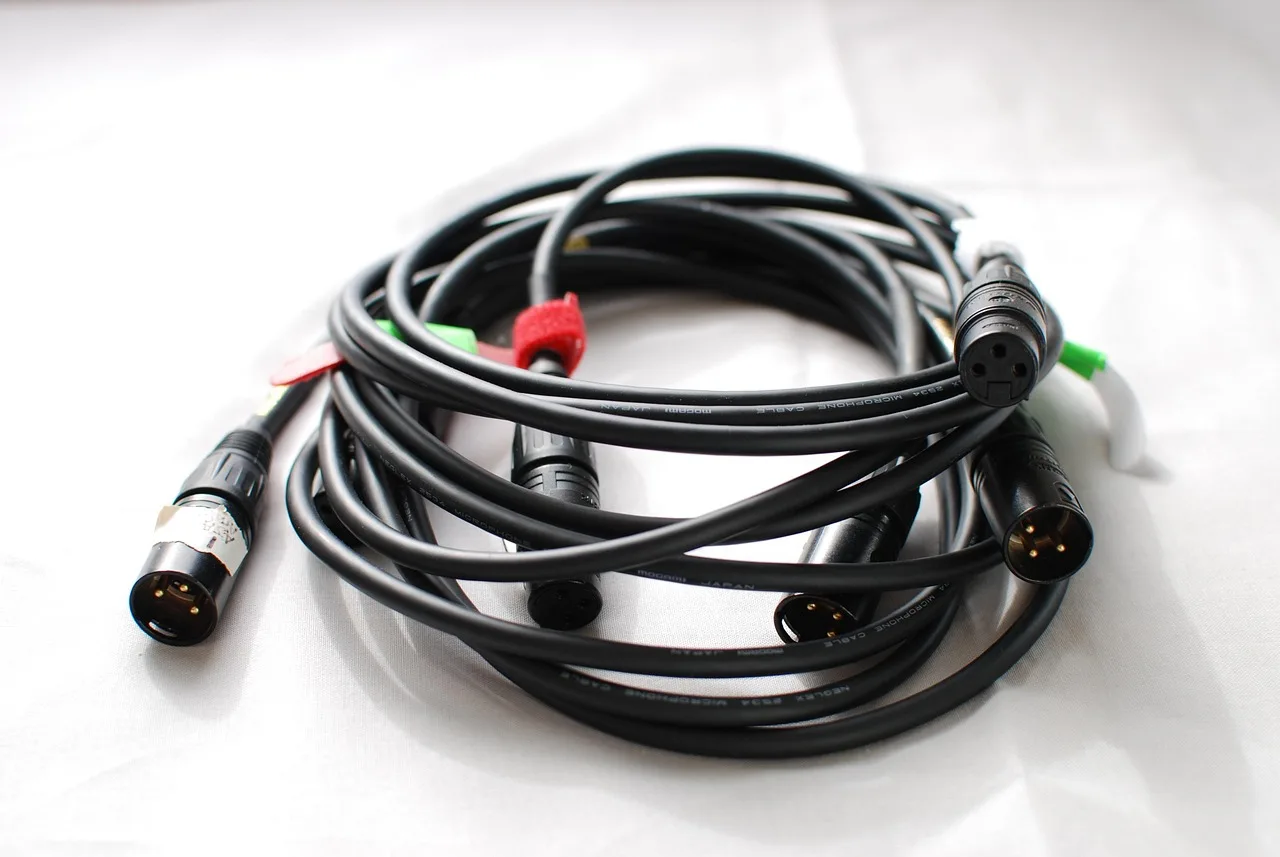
If you record in a home studio, Occupational Safety and Health Administration: Safety Management describes a program that finds and fixes hazards before an injury does. Cable runs across a walking path and a hot amplifier belong on that list.
Sponsor reads and gear mentions carry disclosure duties. U.S. Federal Trade Commission: Endorsements, Influencers, and Reviews explains that a material connection between host and marketer needs clear disclosure, and that both sides stay responsible for truthful claims.
Before finishing
Run the chain once end to end before you commit money to it: record a ten-minute test, edit it, publish it unlisted, and listen on a phone speaker.
That test exposes the weak link faster than any gear list. For a deeper pass on the equipment and quality decisions, see the podcast production tools guide.
Common questions
What equipment do I actually need to start?
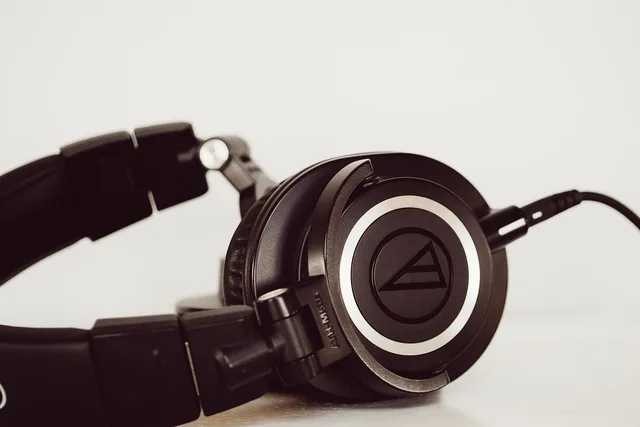
A dynamic microphone, a boom arm, an interface or a portable recorder, headphones, and editing software. That chain records a two-person show. Add a second microphone only after the room is treated.
How long does editing take?
Budget two to four hours of editing per finished hour for a first season, and less as your template settles. The variable is how much filler you cut, not the software.
Do I need a hosting subscription?
Yes, if you want a feed that podcast apps can follow. Free file storage does not produce the RSS feed Apple Podcasts and Spotify require. Compare plans by upload hours and download reporting, not by headline price.